1. Open Terminal and Type the following command to list the installed Java versions:
/usr/libexec/java_home -V
2. This command will output a list of intalled Java versions.
Matching Java Virtual Machines (2):
    17.0.10 (arm64) "Azul Systems, Inc." - "Zulu 17.48.15" /Library/Java/JavaVirtualMachines/zulu-17.jdk/Contents/Home
    1.8.0_402 (arm64) "Azul Systems, Inc." - "Zulu 8.76.0.17" /Library/Java/JavaVirtualMachines/zulu-8.jdk/Contents/Home
/Library/Java/JavaVirtualMachines/zulu-17.jdk/Contents/Home
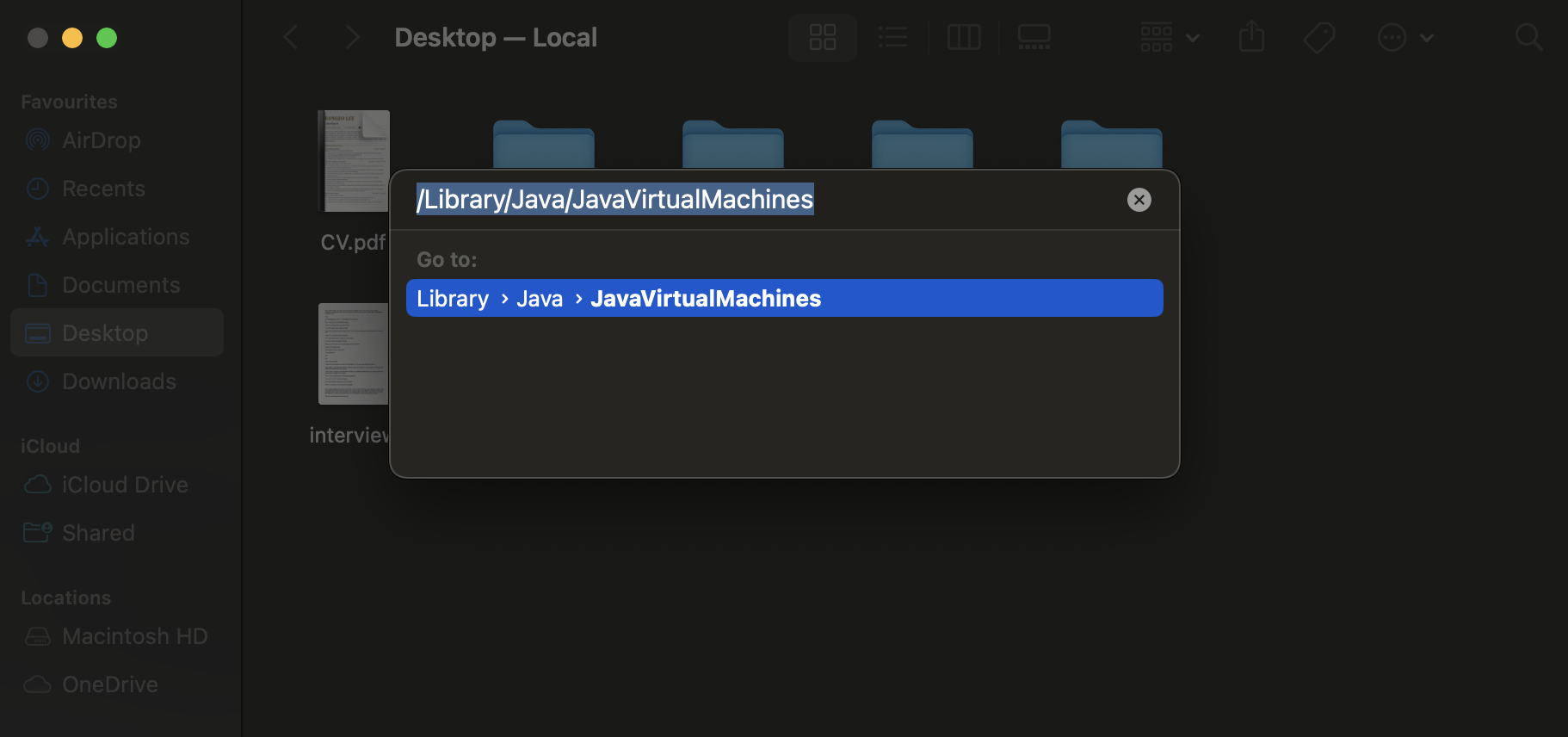
3. Open Finder and navigate to the JavaVirtualMachines folder using Command + G.
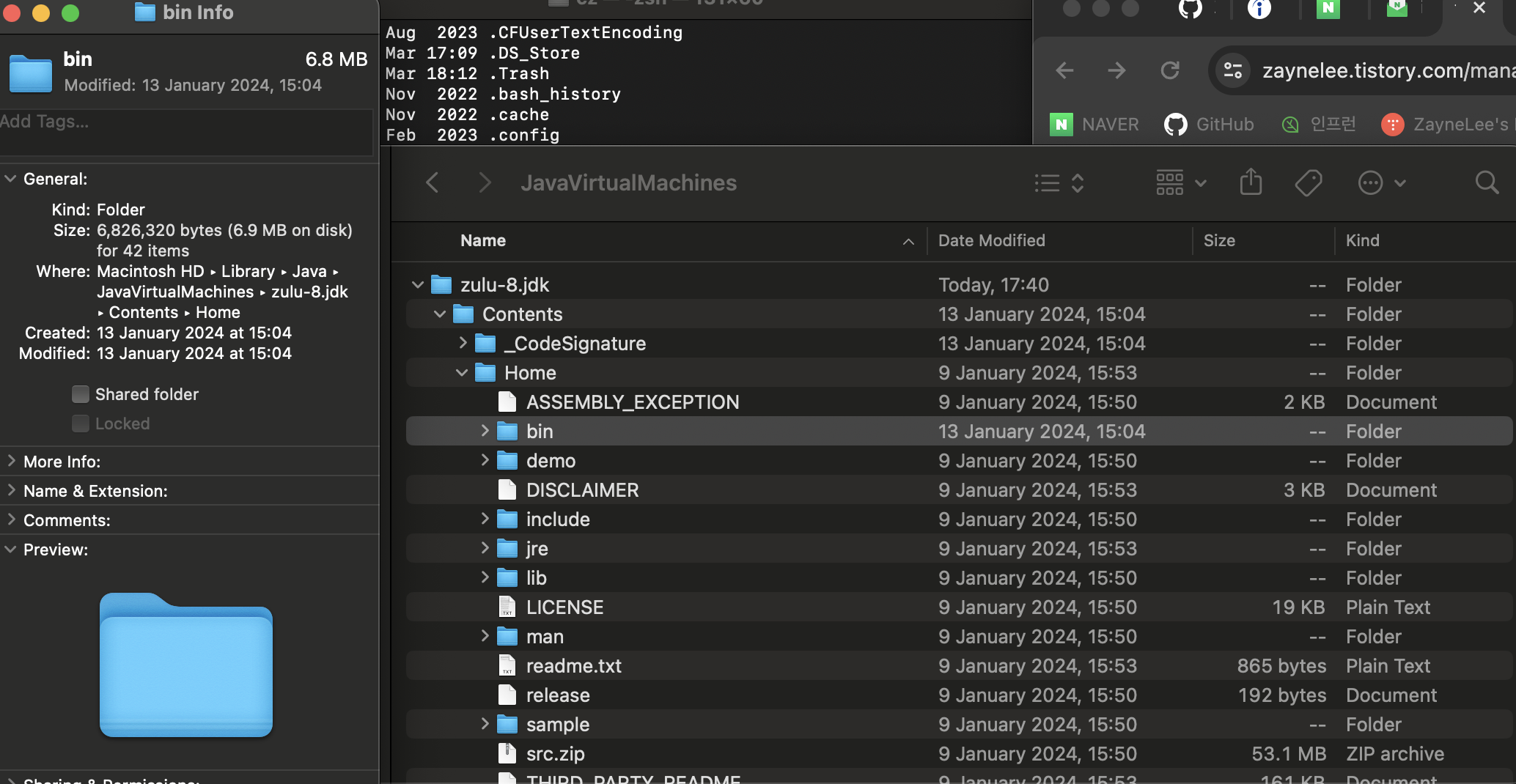
4. Copy the directory (bin directory) where you want to switch the Java version using Command + I.
5. Type the following command.
open .zshrc
6. change the directory.
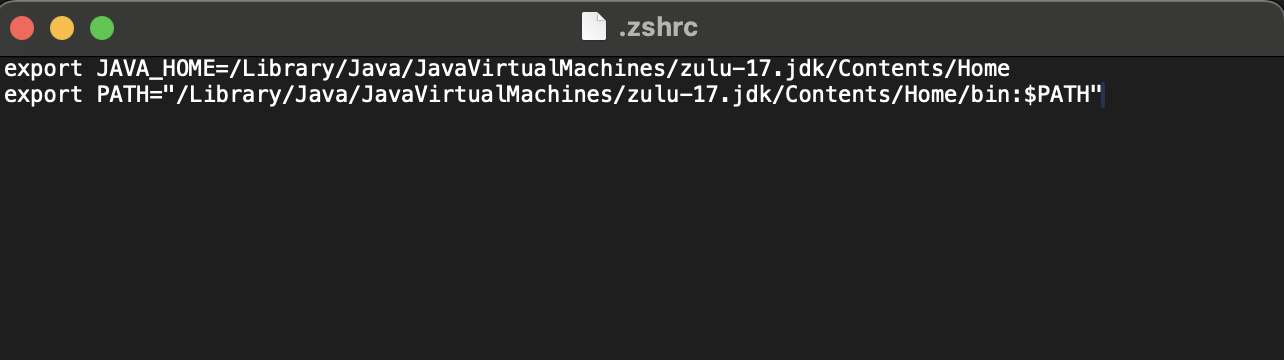
7. After saving the file, type the following command and check the version.
source .zshrc
cat .zshrc
'기타 > Issue' 카테고리의 다른 글
| [Port] address already in use (0) | 2024.03.15 |
|---|
